
Ghost of Tsushima's PC port in 2024 became something of a reference point for how well a first-party PlayStation game can run on a wide range of hardware, and Ghost of Yotei's PC release — arriving roughly eight months after its PS5 debut, with Nixxes Software again handling the port alongside Sony's Visual Arts team — follows the same template almost point for point. If you already know how Tsushima scaled on your rig, Yotei should feel familiar, just a notch heavier across the board.
Official requirements
- Minimum (1080p, Medium, 60fps target): Core i5-11600K or Ryzen 5 5600, RTX 2060 Super or RX 6600 XT, 16GB RAM. Storage sits around 82GB, matching the PS5 install size before day-one patches inevitably add more.
- Recommended (1440p, High, targeting a smooth 90fps): RTX 4070, RX 7800 XT, or an Intel Arc A770, paired with the same CPU tier as minimum — again, this is a GPU-bound title more than a CPU-bound one.
- Ray tracing / enthusiast tier: budget at least 12GB of VRAM if you want full ray-traced reflections and shadows active, plus a card with solid mesh shading support — an area where newer RTX 40/50-series and RX 7000-series cards have a real advantage over older hardware even at similar raw rasterization performance.
An SSD is required rather than merely recommended, consistent with every open-world Sucker Punch/Nixxes release to date — the traversal-heavy gameplay (galloping across Yotei's mountainous terrain) leans on fast asset streaming the same way Tsushima did.
Upscaling and frame generation support
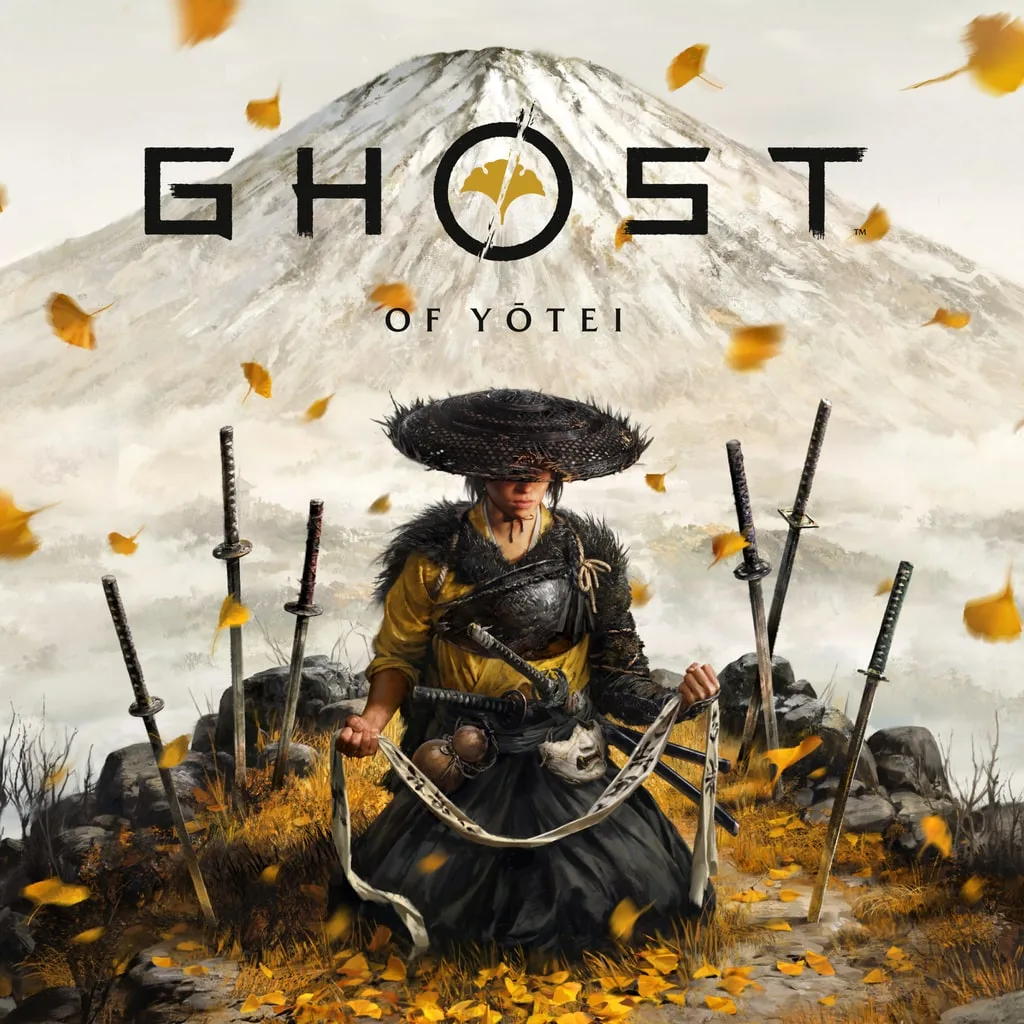 Image credit: Sucker Punch Productions / Sony Interactive Entertainment (official PlayStation press image) - verify rights before publication
The PC build ships with DLSS 3 frame generation and Nvidia Reflex for GeForce owners, and FSR 3 with Frame Generation for AMD cards on RDNA 2 and newer. That's the same generation of upscaling tech Tsushima eventually received in its post-launch patches, but Yotei has it available from day one — a meaningful difference if you're on a GPU that sits right at the edge of the recommended tier and wants that extra performance ceiling without a visible quality hit.
Practically, this means the "recommended" RTX 4070 tier targeting 90fps at 1440p/High is realistic without upscaling on newer hardware, but turning DLSS/FSR to Quality mode is the easiest way to close the gap if you're on an older RTX 3000-series or RX 6000-series card and want to hold that same frame rate.
Best settings for different priorities
- Locked 60fps on modest hardware: 1080p, Medium preset, RTX 2060 Super-class GPU — this is exactly the minimum spec target, and it's a legitimately playable, good-looking baseline rather than a compromise.
- High-refresh 1440p: RTX 4070/RX 7800 XT at High preset with DLSS/FSR Quality mode comfortably clears 90fps in most outdoor exploration, though dense combat encounters with many NPCs on screen will dip closer to 60-70fps depending on CPU.
- Ray tracing showcase: reserve this for RTX 4080-class or better with 12GB+ VRAM; ray-traced reflections on water and metal armor look genuinely striking in Yotei's snow-and-lake environments but cost more than the visual gain justifies on mid-range cards.
Verdict
Ghost of Yotei's PC requirements track almost exactly where you'd expect given Nixxes' track record with Ghost of Tsushima: an accessible minimum spec, a realistic 1440p/90fps recommended tier centered on an RTX 4070-class card, and day-one support for both major upscaling and frame-generation ecosystems. If your PC ran Tsushima comfortably, plan on one GPU tier higher for the same settings target in Yotei — everything else about the port philosophy carries over.
Sources: ghost-of-yotei.com PC guide, vgtimes, canirunthegame.com.

Sofia benchmarks the hardware so you do not have to guess. With a background in PC building and a rig full of test GPUs, she runs every card and CPU through the same repeatable suite before publishing a verdict — real frame-time data, no marketing slide numbers. She has built more test benches than she can count and still gets excited unboxing a new GPU.


Comments
No comments yet — be the first to share your thoughts.